
The question it answers: what am I looking at, and what should I try next?
Press Ctrl+/ and Prometheus opens beside the current view. It knows which view is open and what it shows, explains terms and results, and can draft a plan for the Experiment designer. If you allow it, it runs the Inspector: opens views, sets controls and presses buttons in the window, showing every action and asking first before anything that costs money.
Your key, your cap
Prometheus is optional and uses your own OpenRouter key, set once in Settings, with a spending cap the app enforces. Without a key the Inspector works in full; only the guide, external model comparisons, fact checks and neuron naming need it.
What it can and cannot do
- It can read the view, the stored measurements in the Self-portrait, and the Emergence Machine's essays through the site's MCP server.
- It cannot change keys, the spending cap or the engine. Two further switches in Settings are off until you turn them on: changing a model (cuts, concept erase, grow) and spending OpenRouter credit on frontier-model comparisons.
SEE IT USED
Case studies that use Prometheus
Each one is a published study you can repeat in the Inspector, then change to your own question.
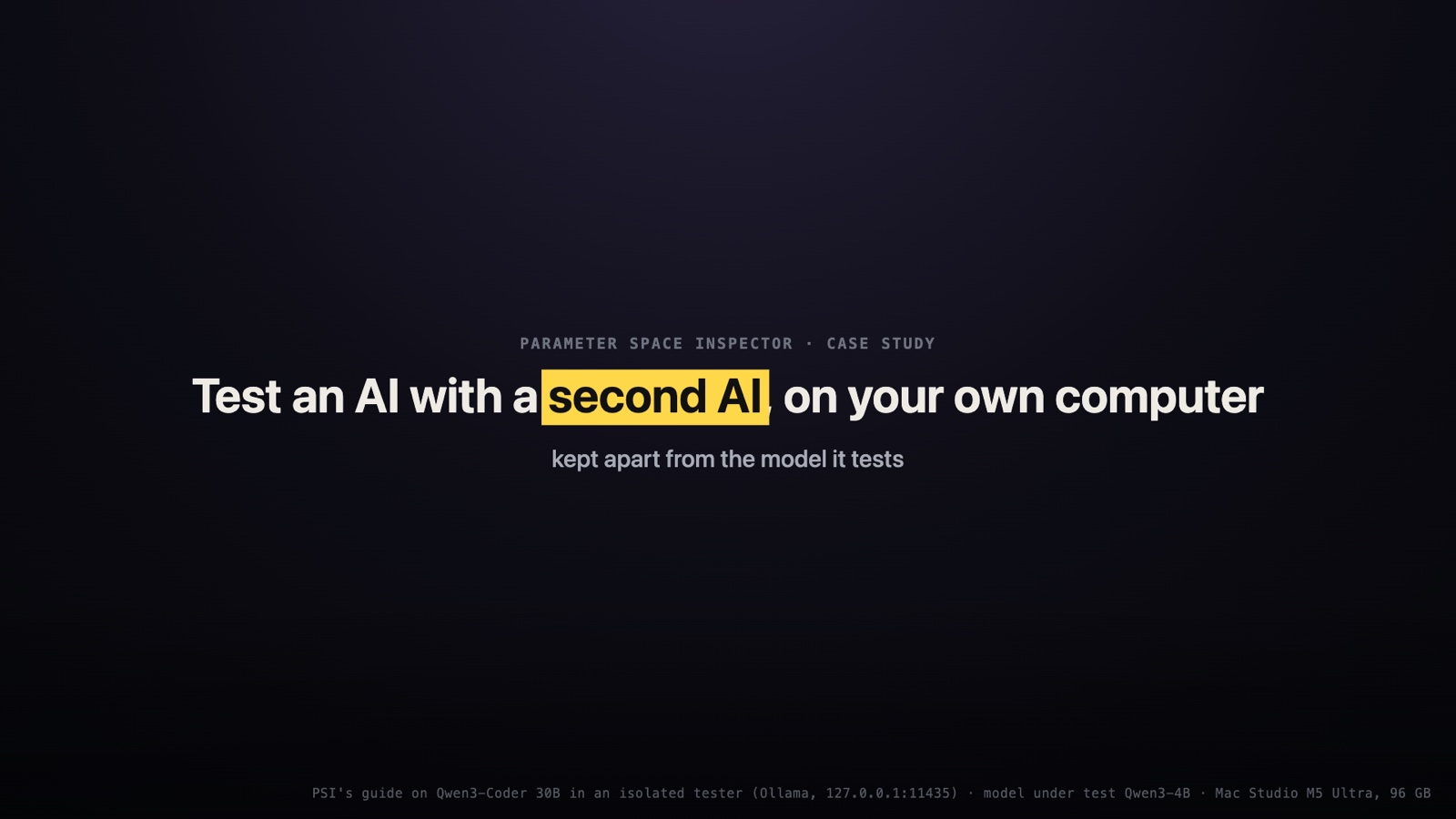
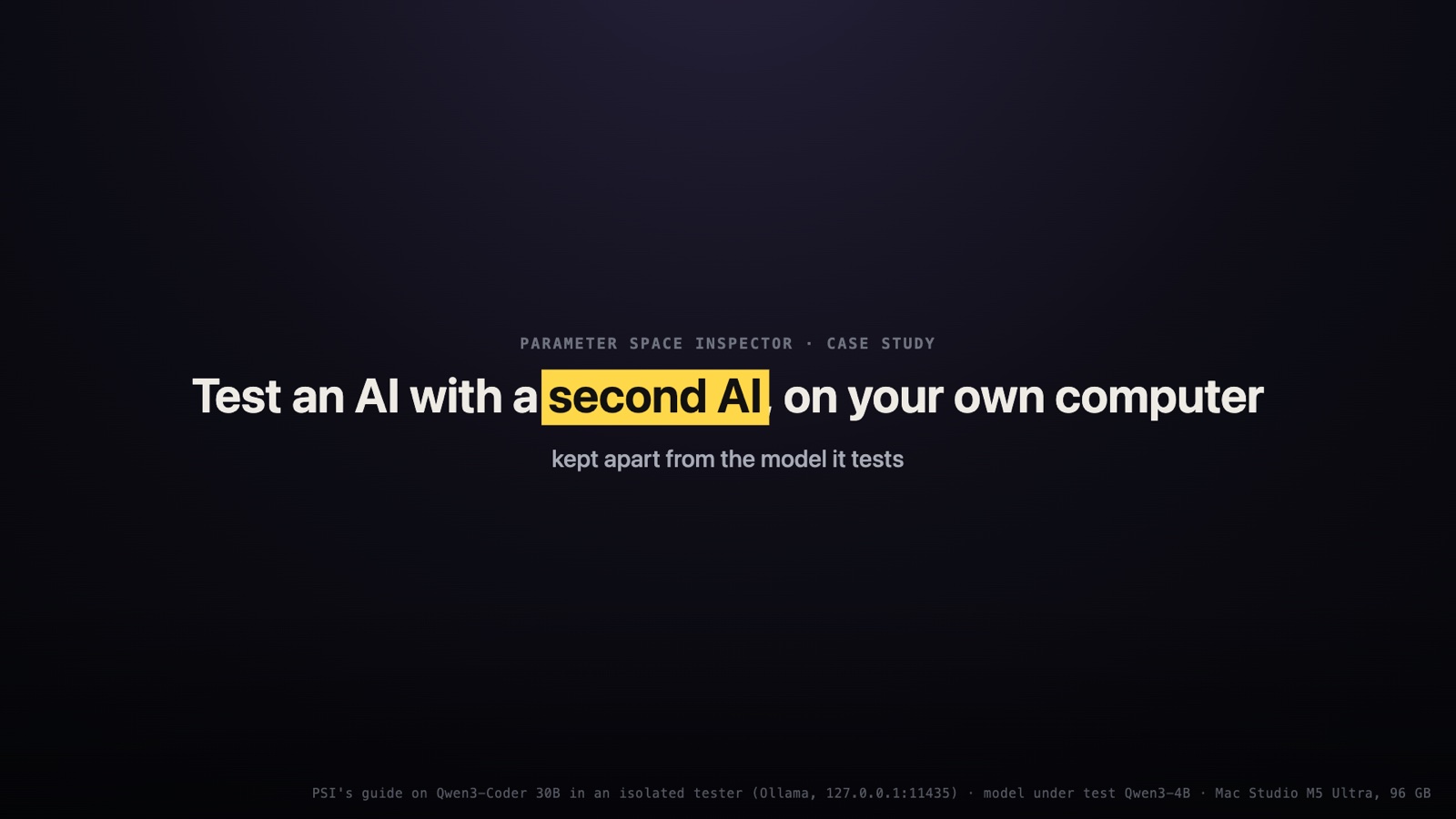 Walkthrough videoTest an AI with a second AI on your own computerran the guide on a local Qwen3-Coder 30B tester for six sessions: it operated the app well, 42 model calls at $0, but its conclusion did not follow from its numbers in four of six
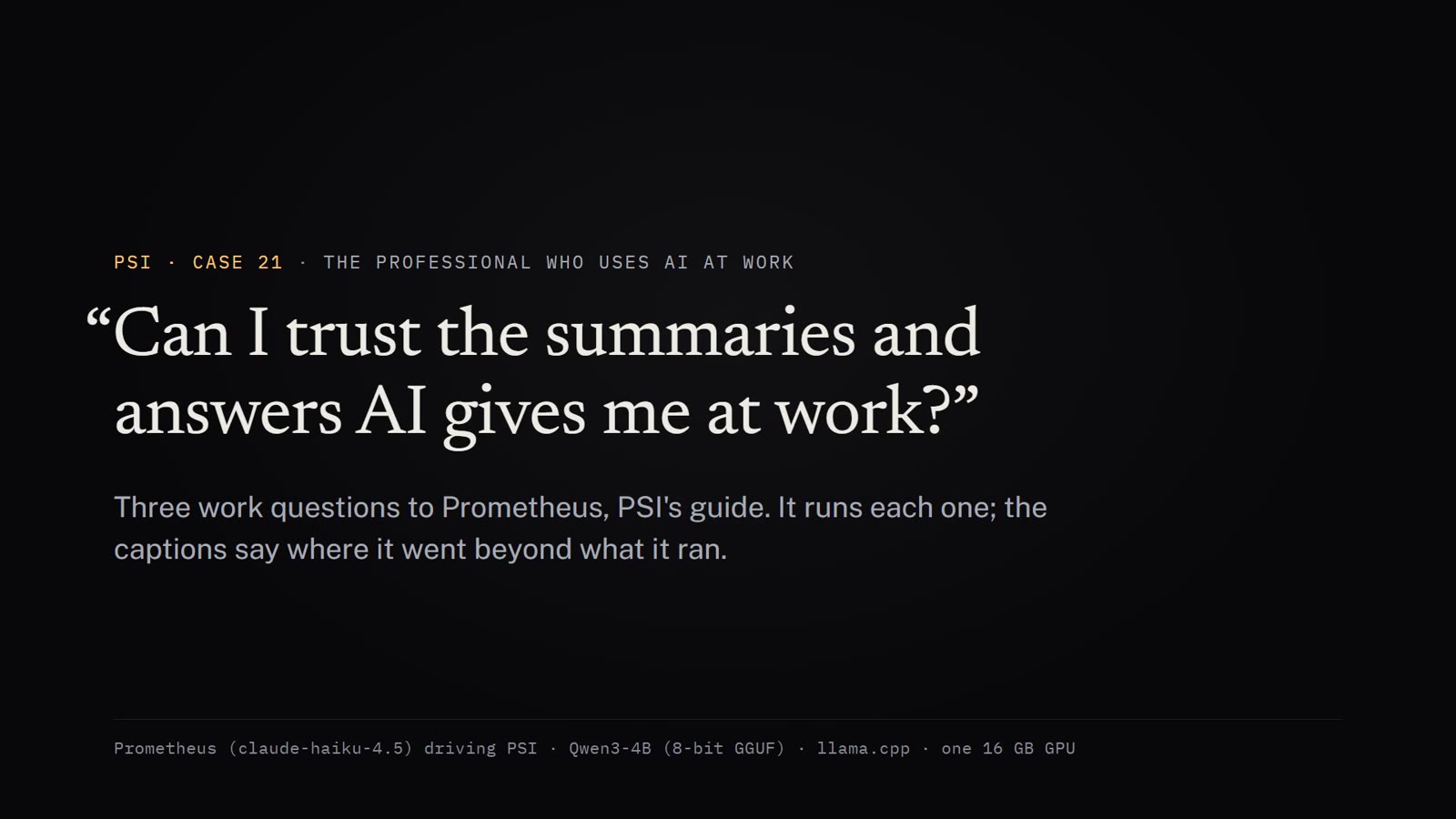 Walkthrough videoCan you trust its answers at work?asked the guide three work questions; it ran each in Generate, and the facts held, but in two of three it said more than it ran
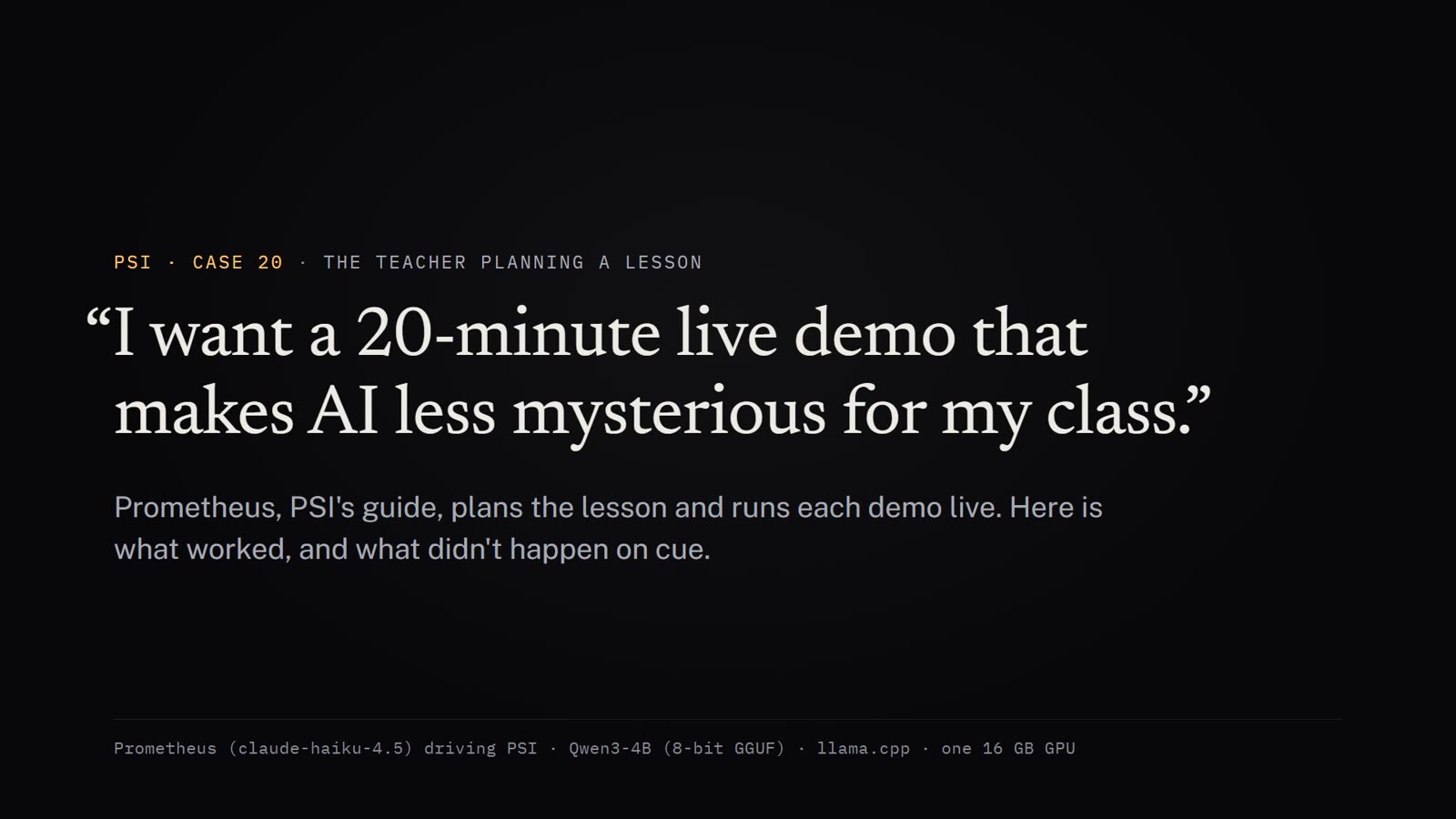 Walkthrough videoPlan the lesson with the guideasked the guide to plan a 20-minute class and run each demo; two of three worked live, and five easy questions gave no confident error
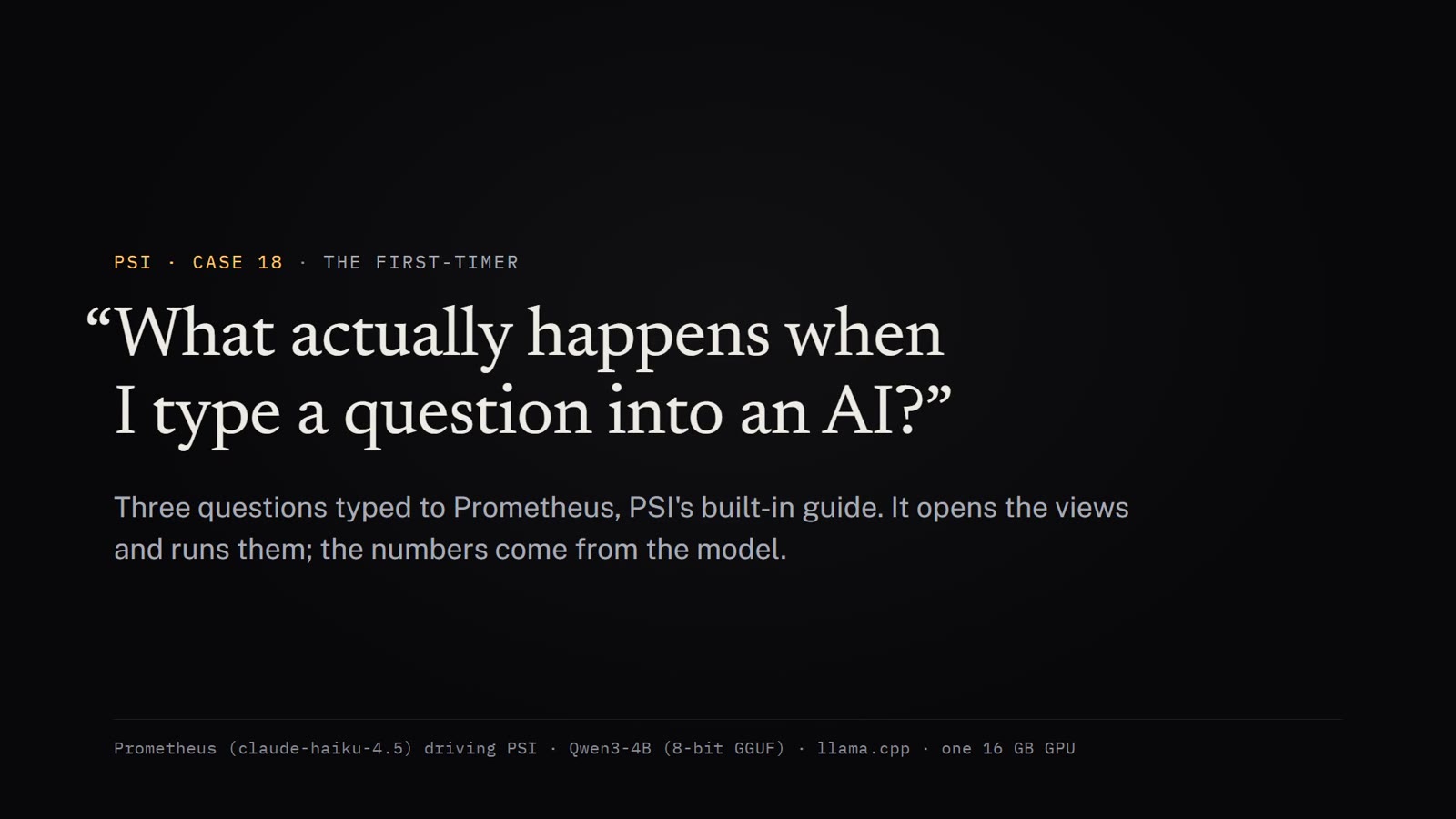 Walkthrough videoWhat happens when you type a question?had the guide open Tokens and Generate and run them; two demos worked, and its basin summary was stronger than the screen showed
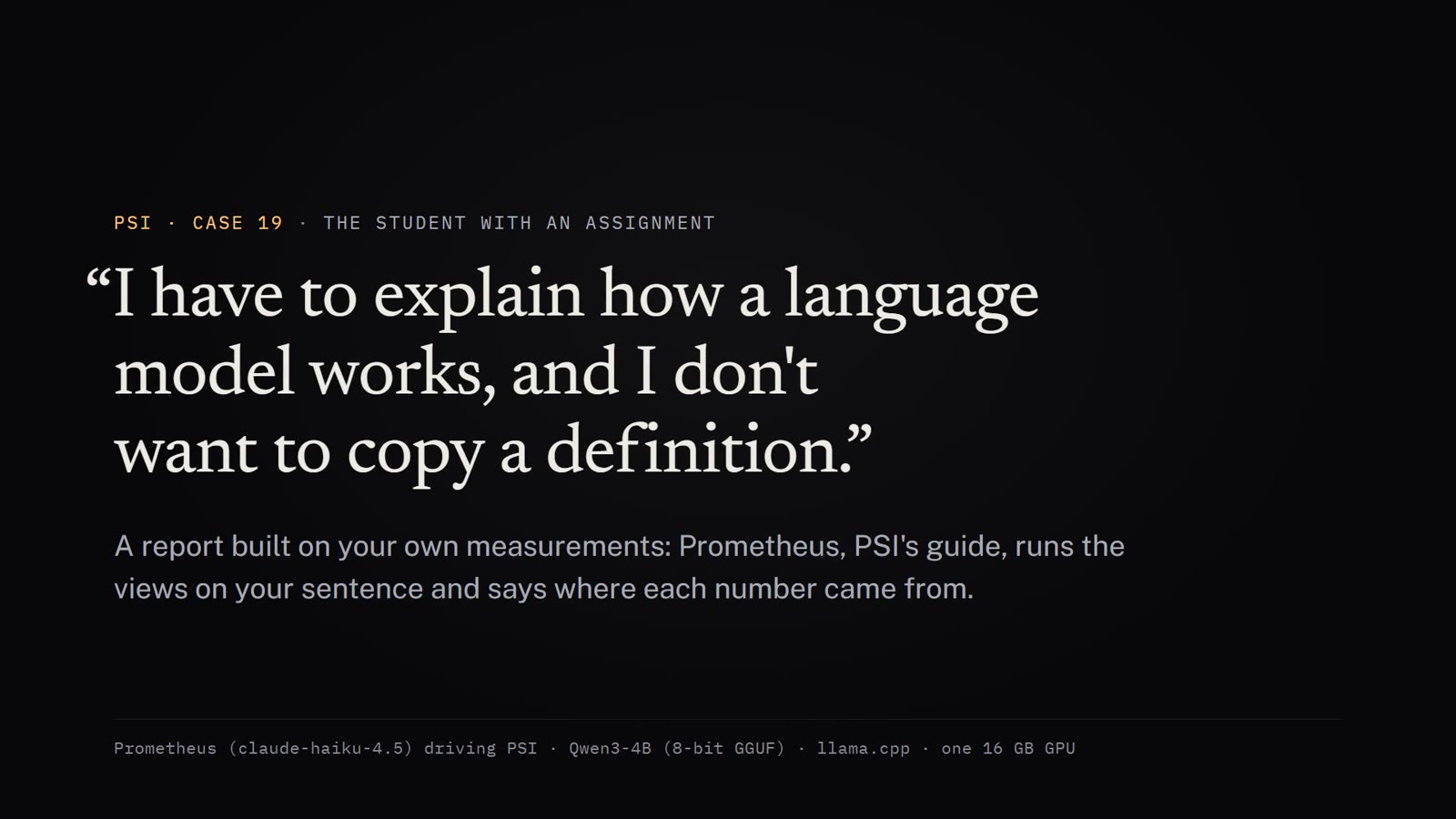 Walkthrough videoMeasure it for your reportthe guide ran Tokens and Generate on a student's own sentence and drafted a citation, leaving out the run line's 3 near-ties
 Walkthrough videoWhat we told Prometheus in these case studiespublishes the guide's full instructions and 27 tools; with the history rule it named the MCP route in seven of nine questions
Questions people ask
Is Prometheus the same as the chat on emergencemachine.com?
Same name, same grounding in the framework's essays. The site's Prometheus answers about the framework; the in-app Prometheus also reads your current view and can operate it.
Which models does it use?
Whatever OpenRouter model you choose in Settings, paid from your own account.
Does it send my model's data to OpenRouter?
It sends the text of your question and the view's summary it needs to answer. Model weights never leave your computer.