
The question it answers: what surprises the model?
Paste any text and Read colours each piece by how surprised the model was to see it. Brighter is more surprising. Hover a piece and you see what the model expected instead. Surprise is measured in bits, from the odds the model gave that piece before it saw it.
Absorption in one exposure
Feed Read an invented word and watch the model learn it in context. The first "zorblax" costs the model about 37 bits of surprise. The second costs about 4, as predictable as a real word after a single exposure. The model has not learned the word; it has absorbed it for the length of the text. Turning a word into a piece of its own takes training, and the Sensing surface view follows that longer cycle.
What it needs
Read runs on the llama.cpp engine: a GGUF file, llama.cpp and Node.js. No Python is needed.
What it showed
A model absorbs a new word in one exposure but never turns it into a piece of its own dictionary. The 37-bit to 4-bit drop is one number you can reproduce on your own model in a minute.
SEE IT USED
Case studies that use Read
Each one is a published study you can repeat in the Inspector, then change to your own question.
 Walkthrough videoA one-hour lab on how an LLM writesstudents add up the surprise of an invented word: about 37 bits the first time, about 4 the second
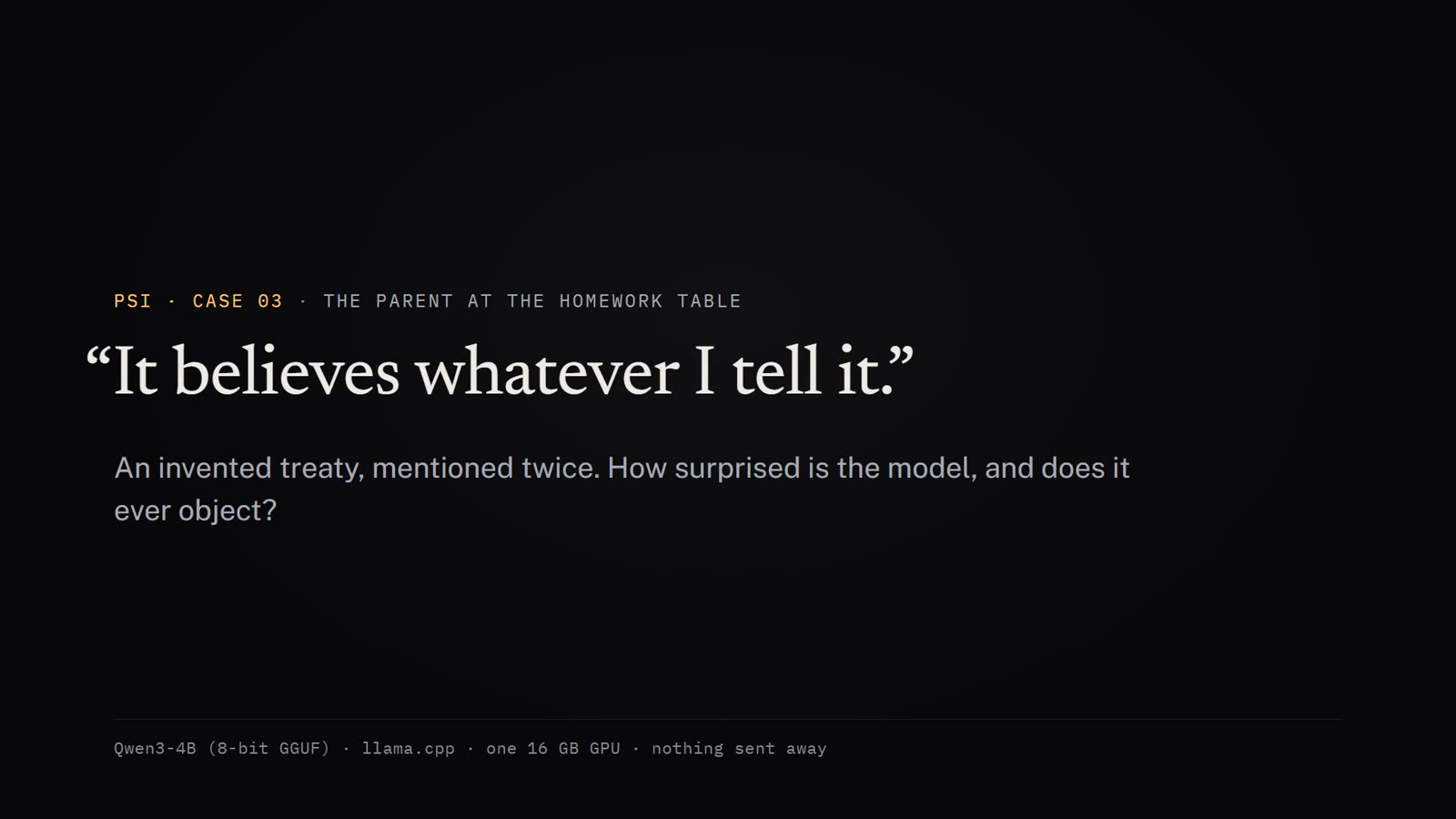 Walkthrough videoDoes it believe whatever you tell it?reads an invented treaty mentioned twice: "Velmora" cost more than 26.7 bits the first time, 0.00 the second, and "was signed" about 1.6
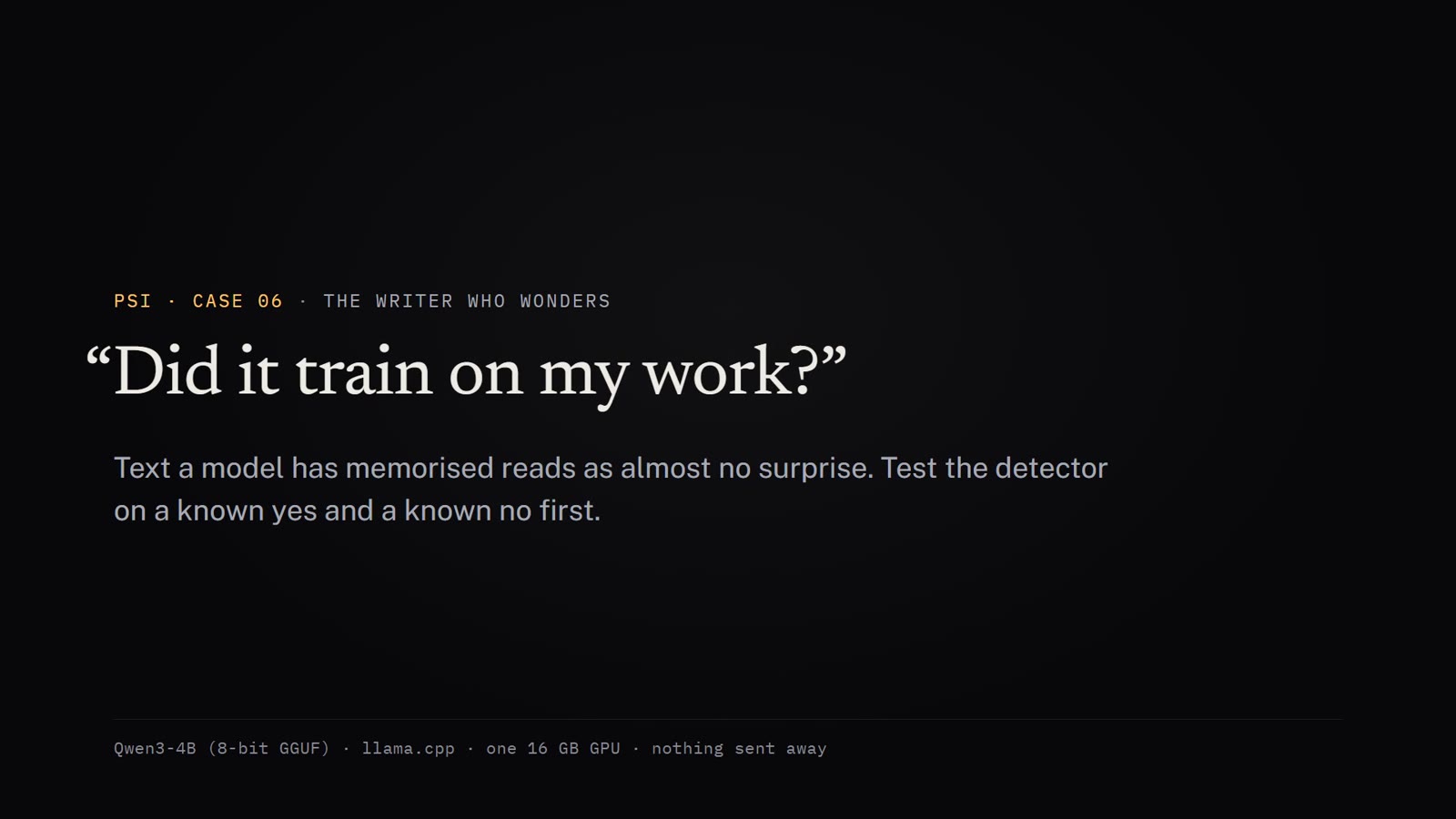 Walkthrough videoDid it train on your work?tests a memorisation detector on a known yes and a known no: memorised text 0.2–0.7 bits a piece, new text 5.9–7.1; the site's essays read as unseen
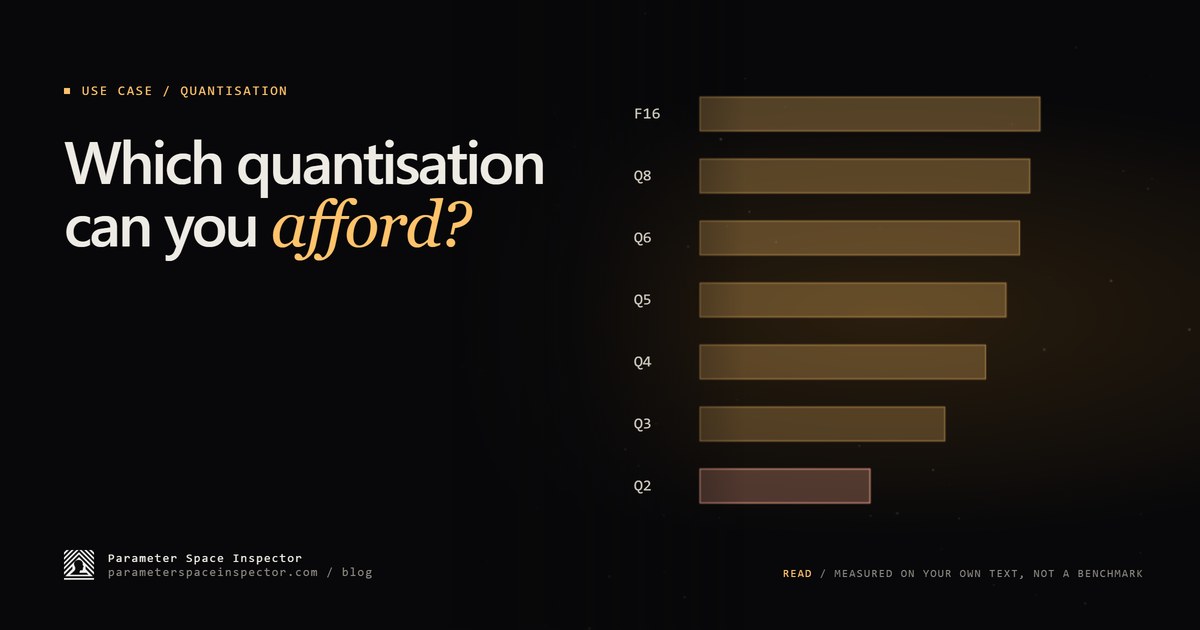 Walkthrough videoWhich quantisation can you afford?read two texts under Q8_0, Q4_K_M and Q2_K: Q4_K_M within the noise, Q2_K lost about 0.6 bits a piece, mostly on numbers and details
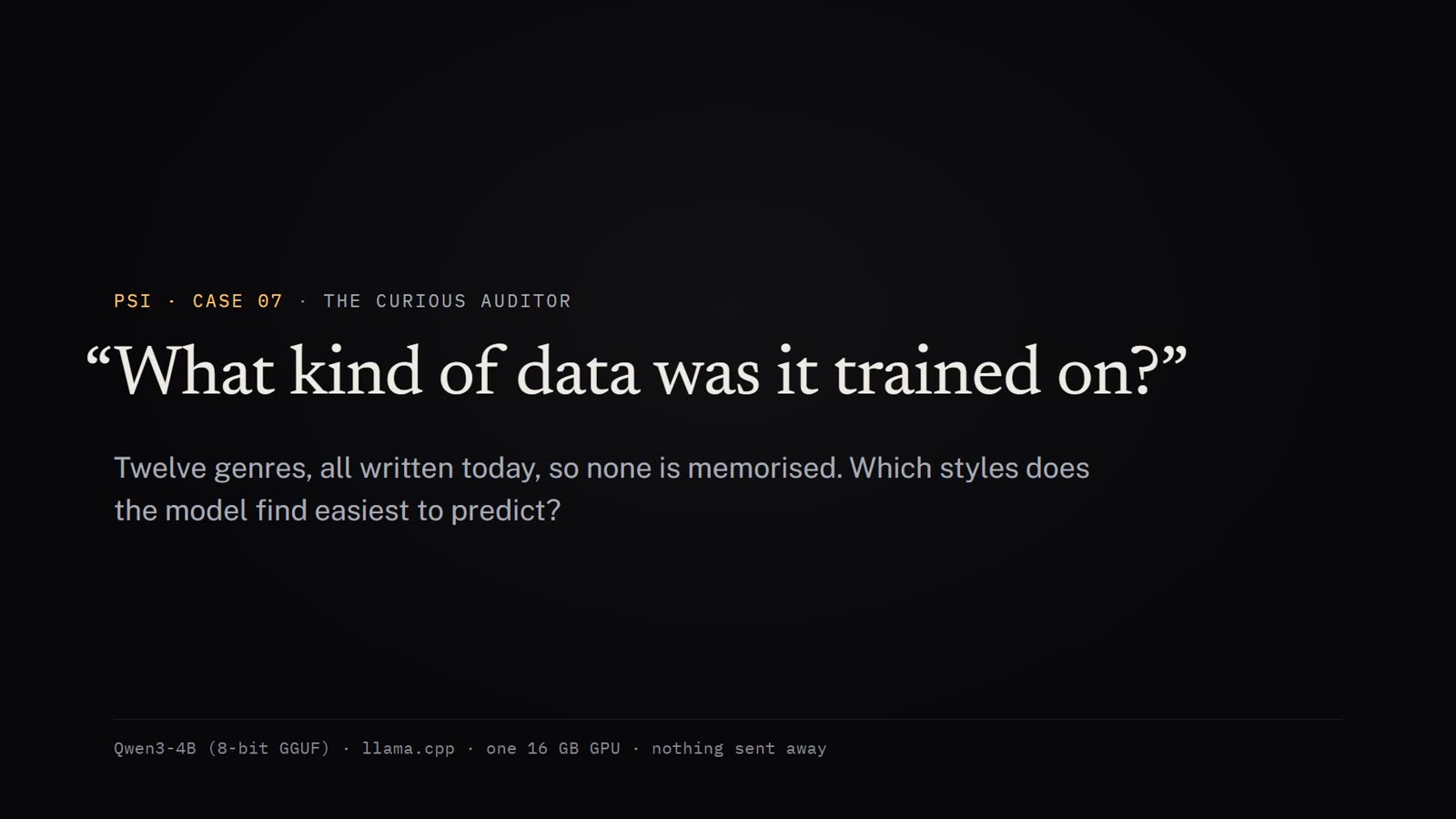 Walkthrough videoWhat kind of data was it trained on?read fresh text in 12 genres: code cost Qwen3-4B 0.79 bits a piece, forum talk 5.90, and it reaches for quiz layouts, a trace of exam data
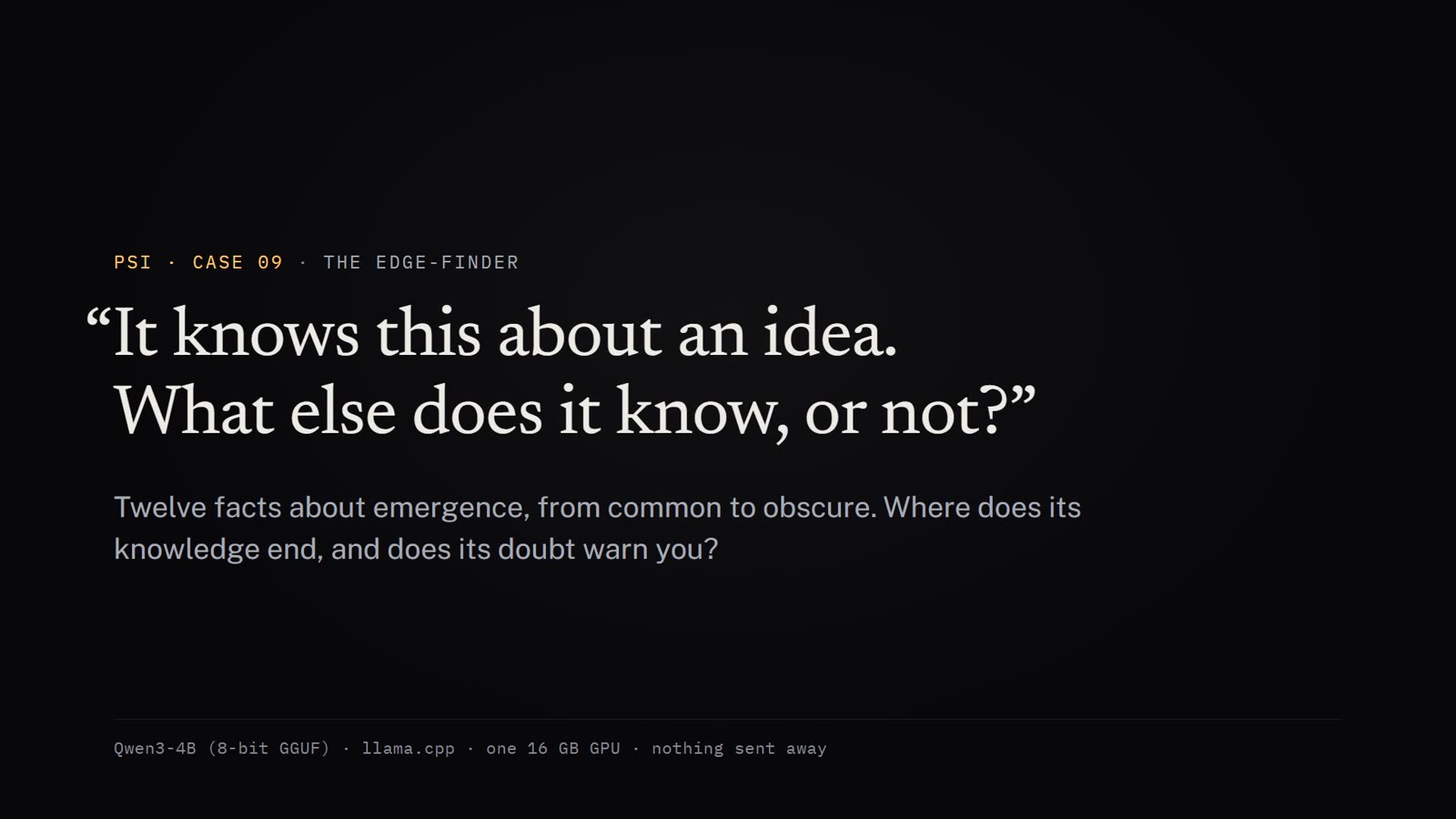 Walkthrough videoWhat does it know about an idea?climbed a 12-rung ladder of facts on emergence: 99.7% on an 1875 coinage, but this site's own term was not in its top 20
Questions people ask
What does "bits of surprise" mean?
It is the negative log, base 2, of the odds the model gave the piece that actually came next. A piece the model thought had a 50% chance costs 1 bit; a piece it thought had a one-in-a-million chance costs about 20 bits.
Can I use Read on my own documents?
Yes. Any text you paste stays on your computer; the model scores it locally.
Is this perplexity?
Perplexity is the average of this surprise over a whole text, raised to a power. Read shows the surprise per piece, which is where the information is.